This is an old revision of the document!
Table of Contents
Taking a Payment through the system using a credit or debit card.
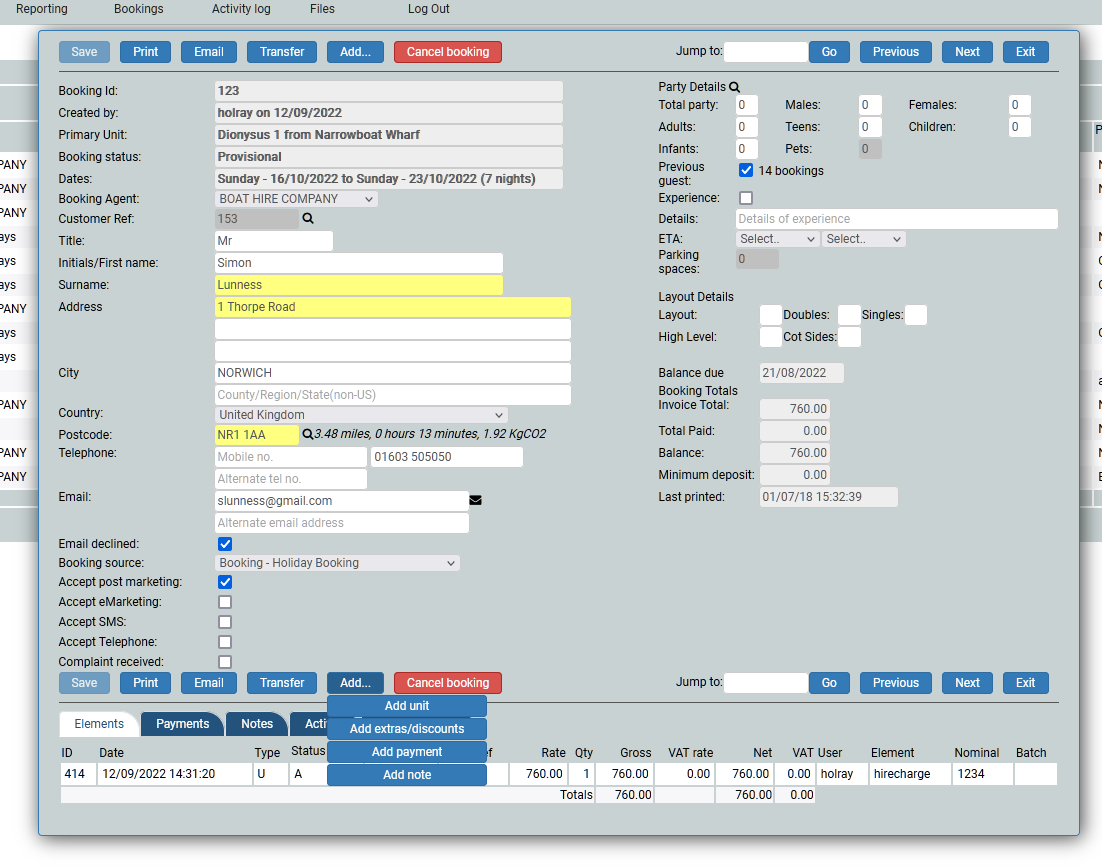
A booking will only be confirmed when a payment has been received against it. To take a payment you will need the customers card details (this will be a MOTO payment as it falls under the category of Mail Order Telephone Order and the customer, although on the telephone, is not present for the transaction) and click the Add button, and choose Payment.
The Add button
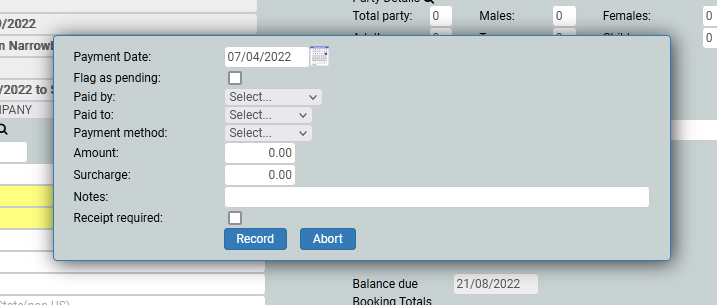
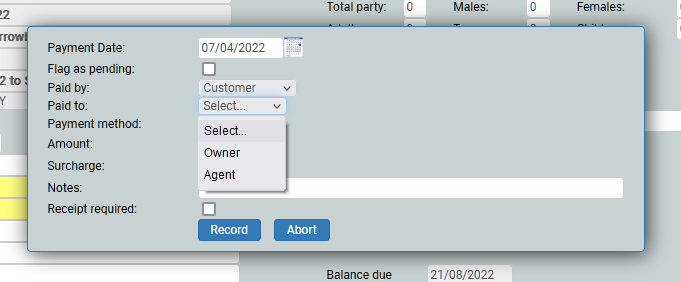
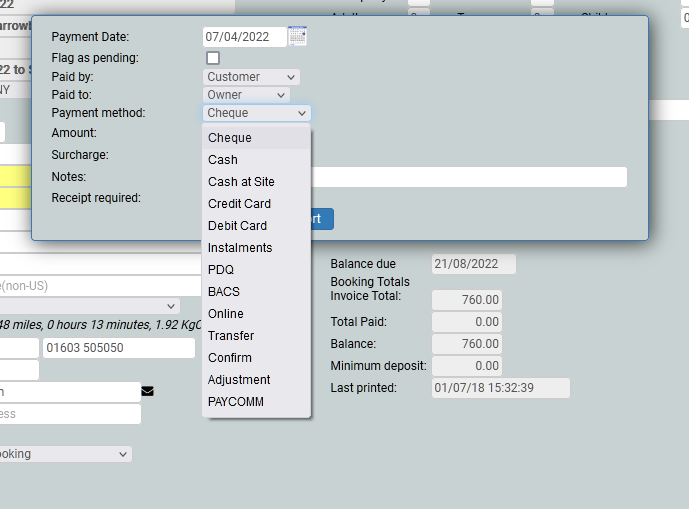
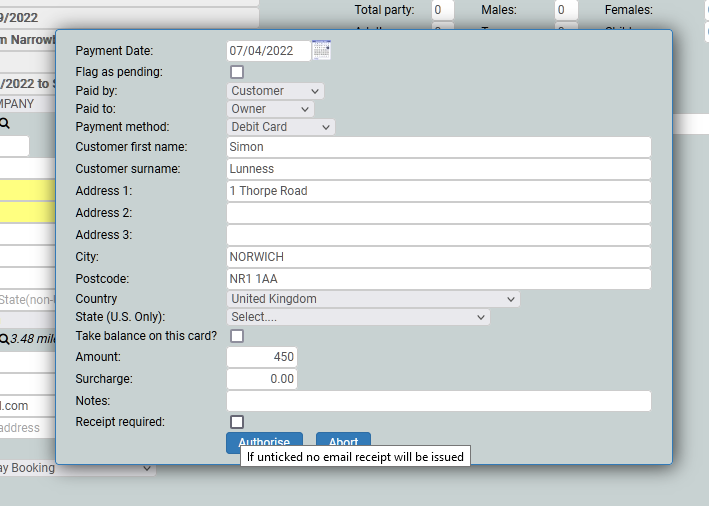
Once you have clicked the Add payment button, you will see a pop up window, which will ask you about the payment. The date will be today, by default. Paid by is where the monies are coming from, Paid to is where the monies are coming to, payment method will be chosen from the drop down, the amount will be how much you want to take from the card and notes is for when you need to remind yourself of something. If you want to send an email receipt, check the Receipt required button.
Completing a Payment