
This is an old revision of the document!
Discount Groups
A discount group is a set of your units that you want to apply a specific discount to. This group will, by default, when created, include everything. You are then able to un-include whichever unit(s) you want. You can have as many groups as you like.
You could, for example, have a group called All boats. This group would include your whole fleet. You could also have a group called Two berth, and only have your two berth boats as members. Or you could have 10% summer discount and include all of your poor selling boats, to boost their bookings.
By setting the groups, in advance, it saves time for you in the long run when adding discounts, and also helps you to not include, or omit a boat in error.
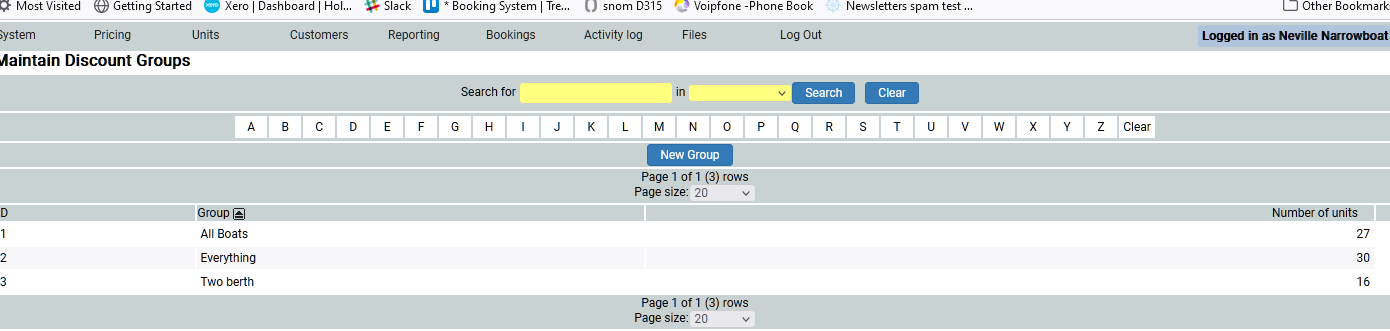
In this example we have set three groups: Everything has 30 units (all of our fleet and cottages included), All Boats has 26 units, as I have not included the cottages, and Two berth is all of our two berth boats and cottages, as I may want to add a discount to our smaller units to try to sell them.
Adding a New Group
To add a new group, click the blue New Group button.
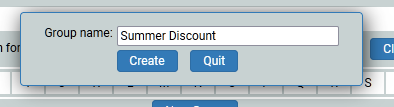
I shall call it Summer Discount. Click on Save and Ok the pop up box that appears to confirm the new group has been created.
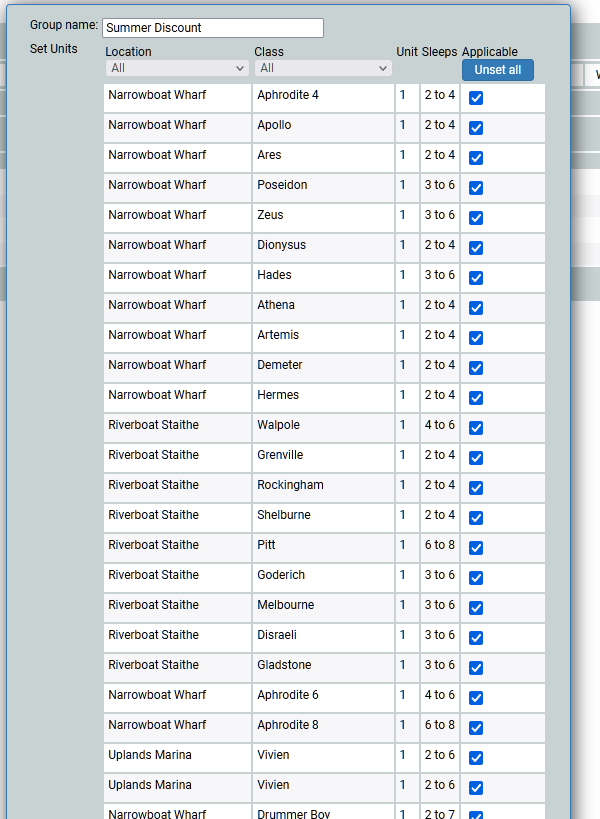
It will now appear in your list of groups. Click on it to start amending the members of the group. By default, everything is included. You can either untick those units you do not want to have as members, or, depending on numbers, you can unset them all, and add members back in. Either way works and it dependes entirely on numbers.
I will unset them all, then add in the four units i wish to be members (quicker than deleting 26). I then save it.
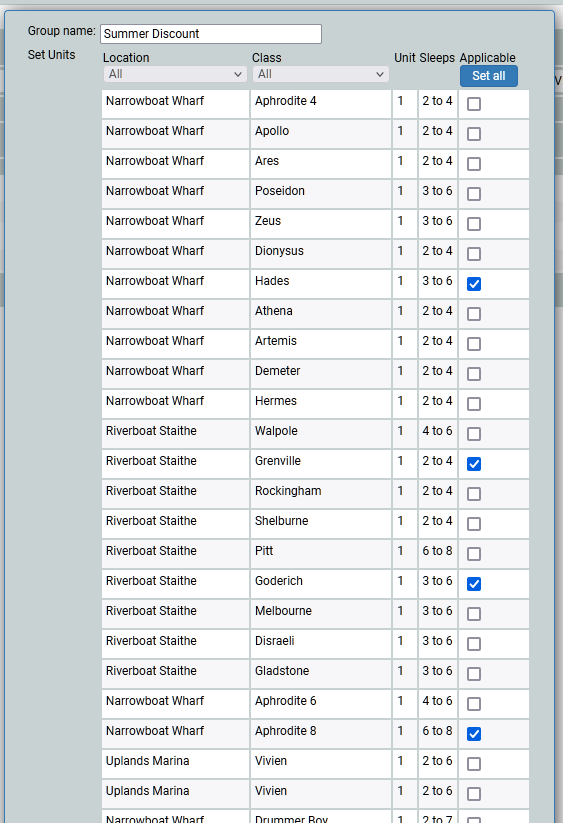
Now, in my list of groups I can see my Summer Discount has 4 members.
And so now I can create the Discount Plan, for my new group…