This is an old revision of the document!
Check Availability
This is a great resource which allows you to search and book anything off profile. Your system's pricing and booking is based upon the premice that your boats have a profile - week, short break, extended break and so on, with start days defined - Saturday and Tuesday, or Friday and Monday etc. This means that your customers have to book their holiday based on the confines of those profiles when booking on the web. The chart view will also show those profiles with start days high-lighted.
You, however, can book anything from any start day, for any duration, as it is your business. To do this you need to go to Check availability.
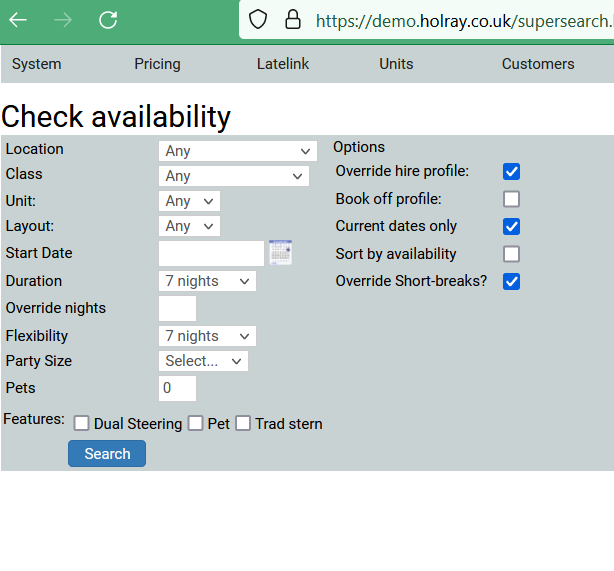
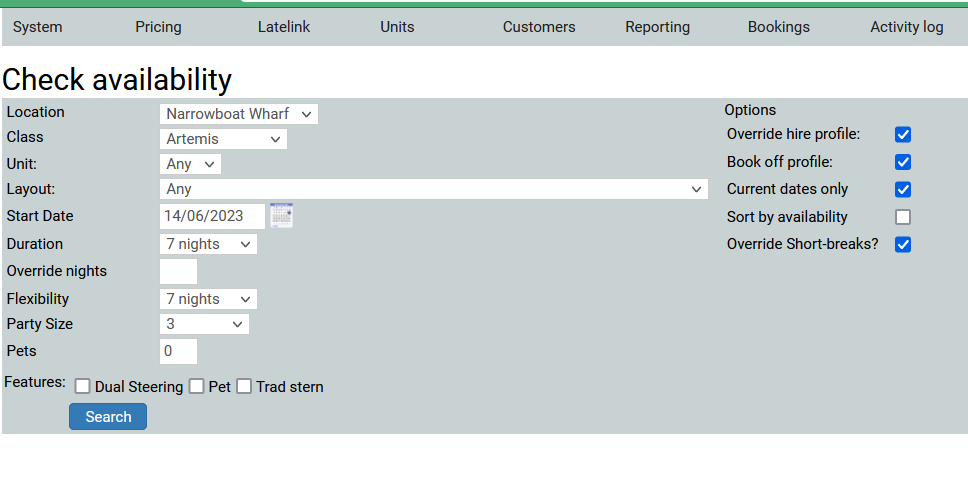
You can see that the screen already had, by default, the box Override hire profile already ticked. You need to add your date and boat criteria, or search for a specific layout. The Flexibility refers to either side of chosen holiday dates. Tick the box to enable you to Book off profile and search.
In my search I am looking to book Artemis in June 2023 but I want to book it for a Wednesday start. I want it for 7 nights but I am flexible, there are 3 people coming. I click to Book off profile, and search.
The result looks like this…
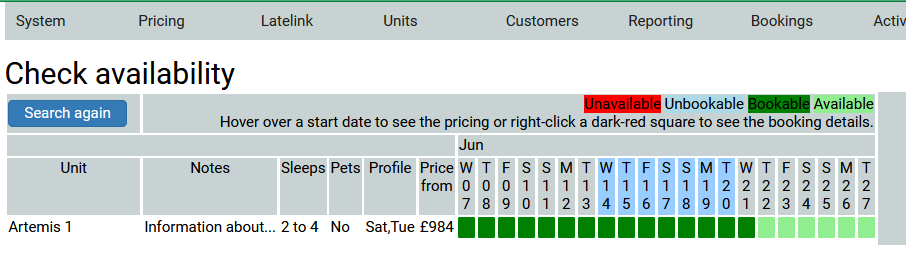
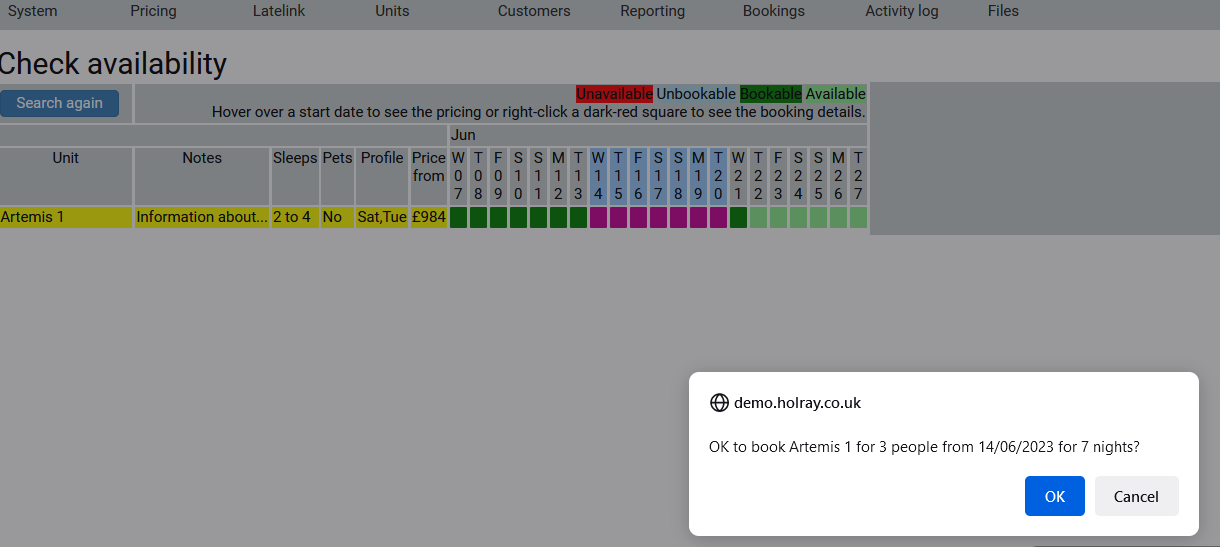
You can then choose your holiday - I am booking from the Wednesday, click to book, and I am taken to the standard booking form.