Maintain VAT Table
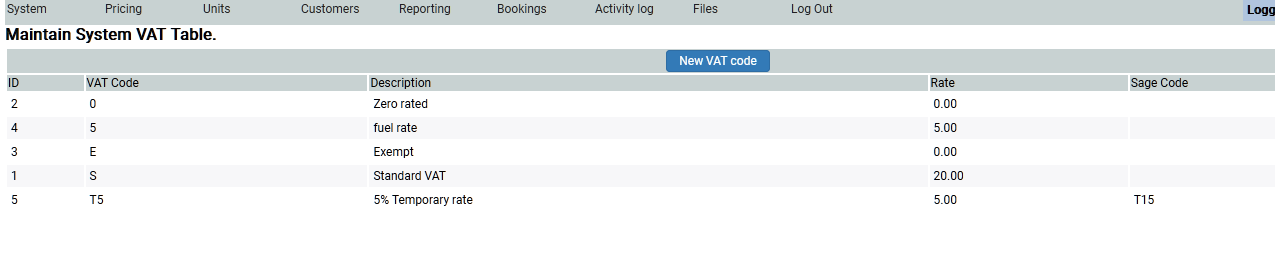
Under System Settings you can set as many different VAT rates as you wish. The system comes with the standard VAT rates, as default so you probably need do nothing. But, if you would like to add another one, click on the New VAT code button.
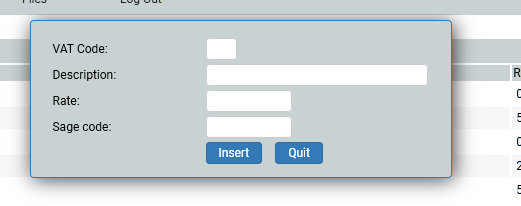
A pop up window will allow you to add the new VAT details.
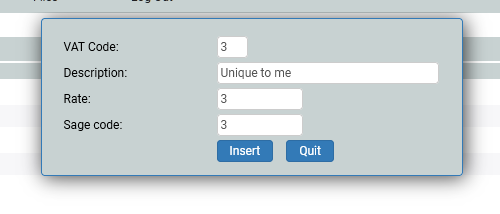
Complete the details as required.
These VAT codes will appear in a drop down for you to set when adding Extras or Hire Elements and you need to know what VAT rate is applied to them.